Viewing Reports
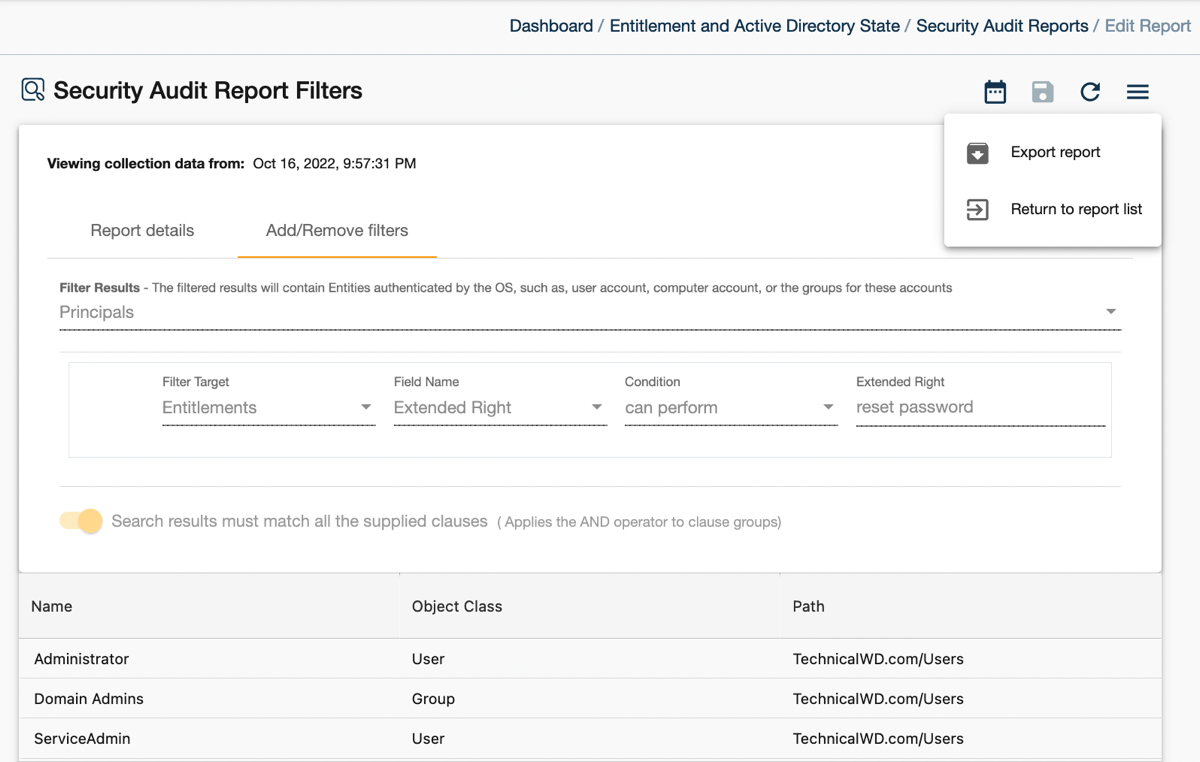
- Navigate to Entitlement / Security Audit.
- Select a report.
- View report details and applied filters. The builtin reports are read-only but you can clone a report and modify its filter or create a custom report from scratch.
- Cygna Entitlement and Security will search for events that match report's filters and display them.
For each report, you can:
- Clone the report—to create a new custom report based on existing
- Export results—to share the report data as PDF or CSV with executives who don't have access to the Cygna platforms
- Change the snapshot date—to create historical reports representing the state of your environment on a specific date.
Note: By default, Cygna platform displays 2,500 newest events to ensure you can review the latest changes across all audit sources you are authorized to work with. To update this setting, go to  Application Settings and set the Report Event Limit to a new value.